Message Presets
Message Presets are global across all sites.
These are the items that will appear when pressing message on POS as pre-defined text options.
View Message Presets
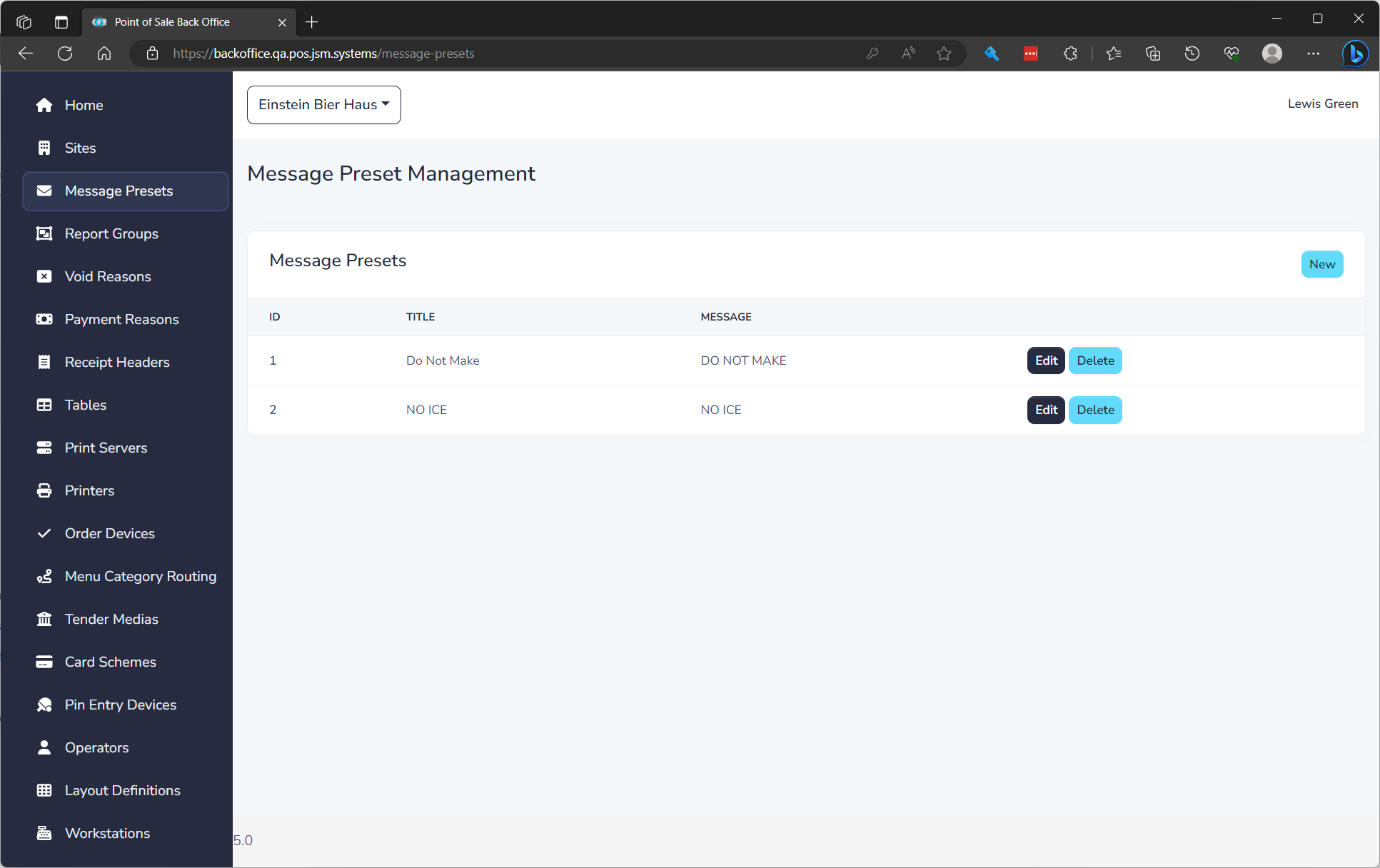
The list displays of all message presets and the following details:
| Field Name | Description |
|---|---|
| ID | Unique ID for item |
| Title | Button text on POS |
| Message | Message to print when used |
Create a Message Preset
To create a message preset click New. See editing a message preset below to understand properties.
Edit a Message Preset
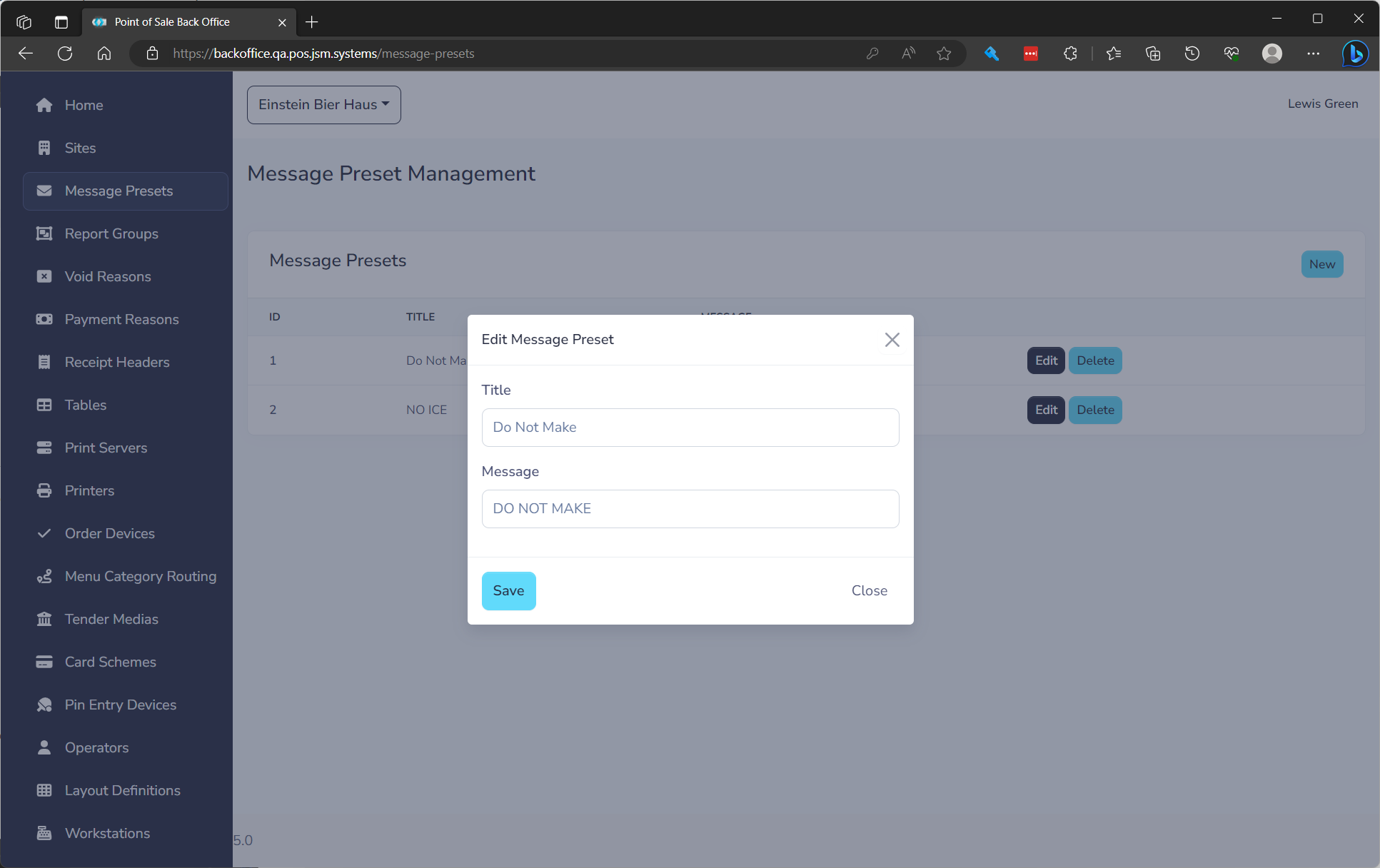
to edit click the Edit button on the row. You will need to fill in the following fields.
| Field Name | **Description ** | Required |
|---|---|---|
| Title | Button text on POS | Yes |
| Message | Message to print when used | Yes |
Deleting a Message Preset
Message presets are not tied to a transaction so can safely be deleted at any time.