Tables
Tables are defined per site.
For every table in the venue it will need to be added in to POS. In the future there will be a code per table for the ordering app.
View Tables
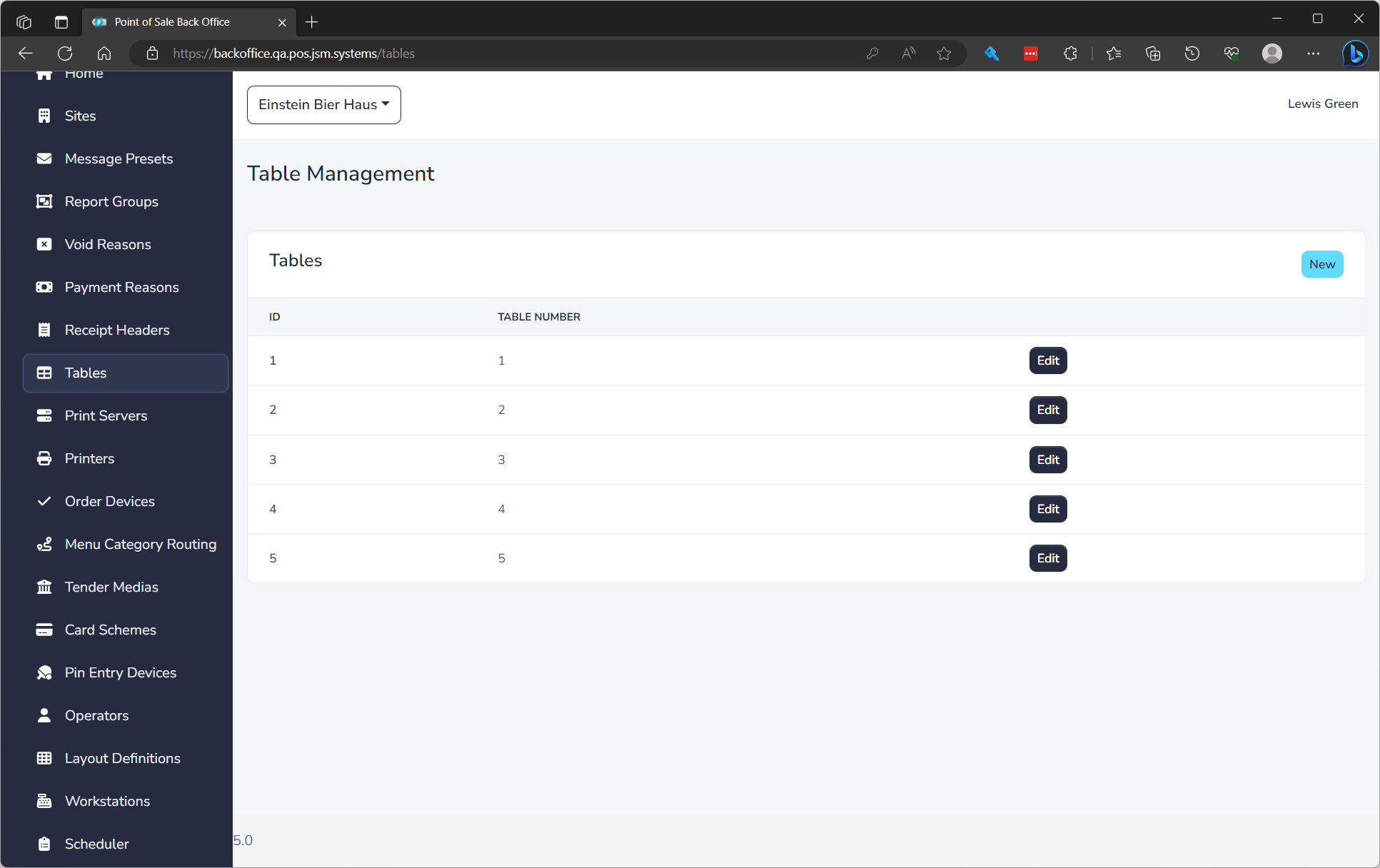
The list displays of all Tables and the following details:
| Field Name | Description |
|---|---|
| ID | Unique ID for item |
| Table Number | Table Number |
Create a Table
To create a Table click New. See editing a Table below to understand properties.
Edit a Table
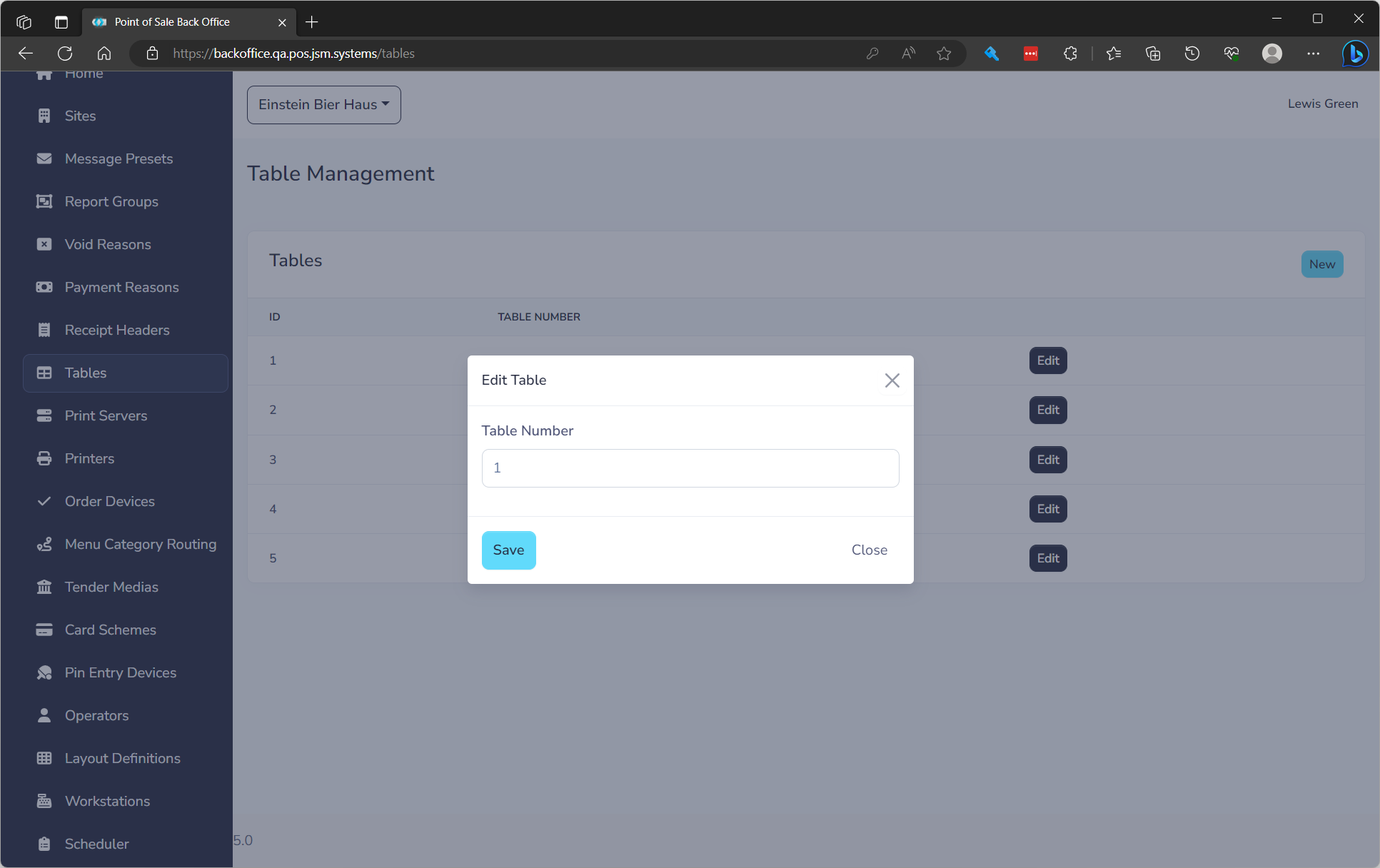
to edit click the Edit button on the row. You will need to fill in the following fields.
| Field Name | **Description ** | Required |
|---|---|---|
| Table Number | Table Number | Yes |