Pin Entry Devices
Pin Entry Devices are defined per site.
For every PED provided by Dojo on each site it needs adding to POS.
View Pin Entry Devices
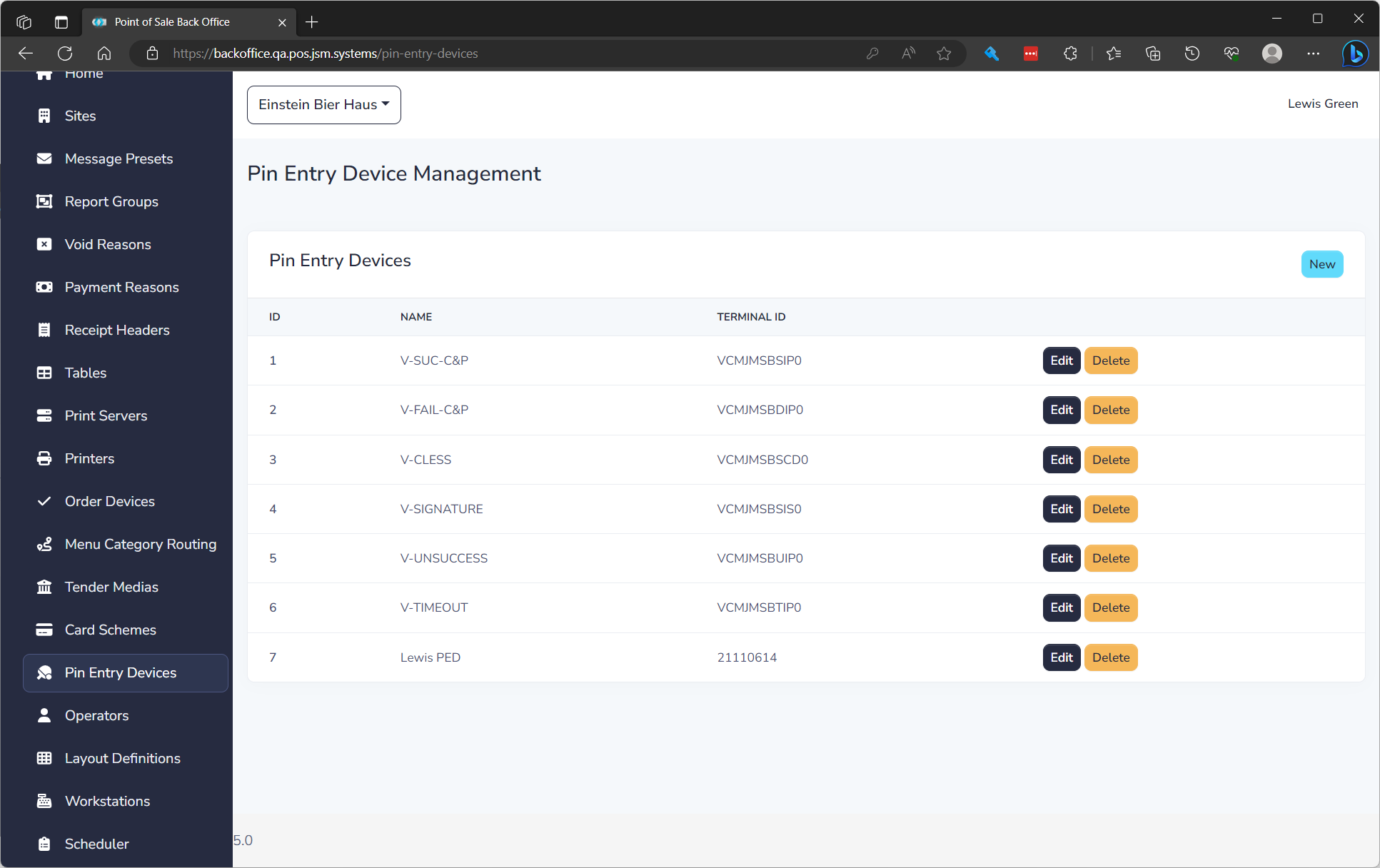
The list displays of all Pin Entry Devices and the following details:
| Field Name | Description |
|---|---|
| ID | Unique ID for item |
| Name | Name to show on POS for PED |
| Terminal ID | Dojo Terminal ID |
Create a Pin Entry Device
To create a Pin Entry Device click New. See editing a Pin Entry Device below to understand properties.
Edit a Pin Entry Device
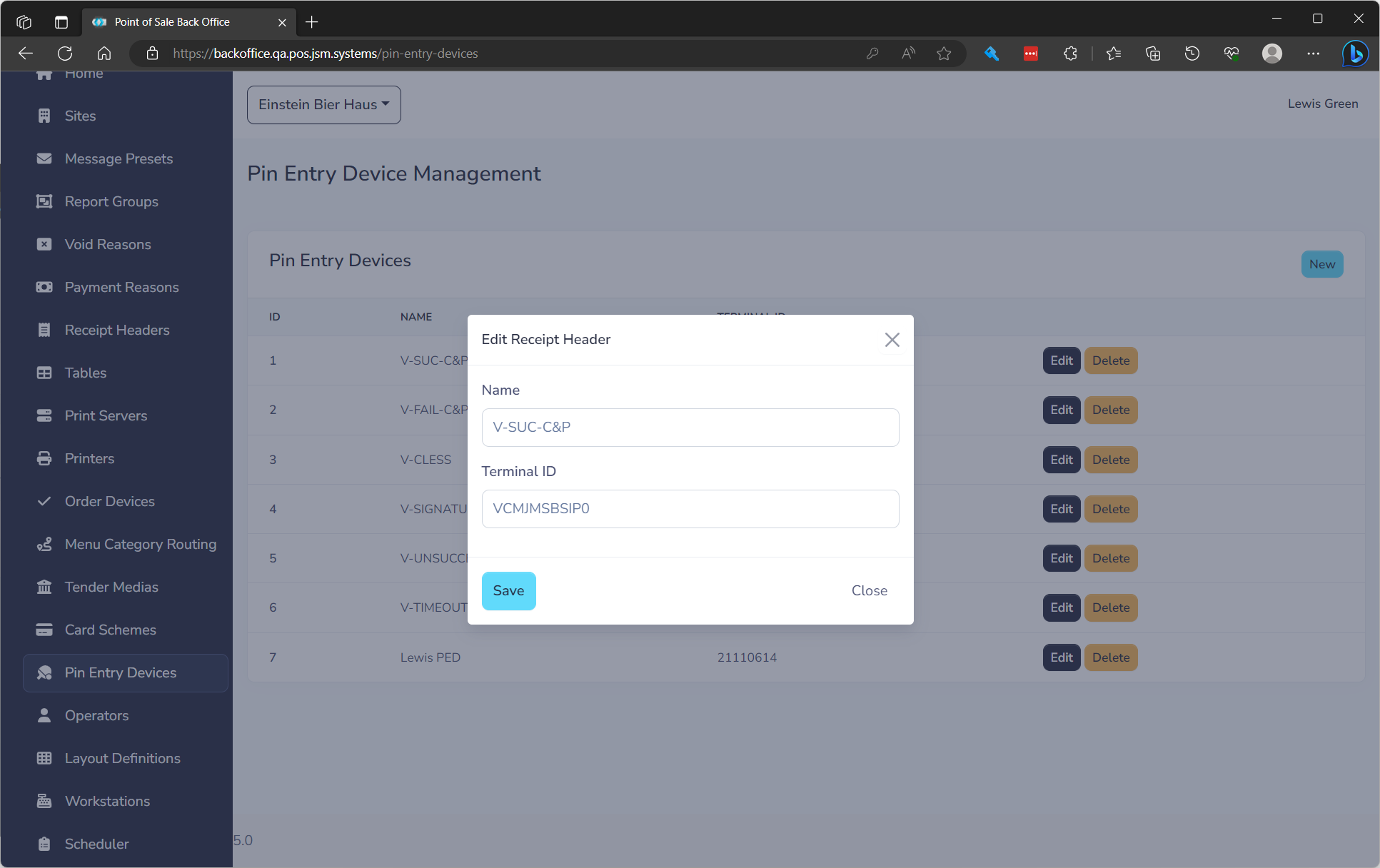
to edit click the Edit button on the row. You will need to fill in the following fields.
| Field Name | **Description ** | Required |
|---|---|---|
| Name | Name to show on POS for PED | Yes |
| Terminal ID | Dojo Terminal ID | Yes |