Receipt Headers
Receipt Headers are defined per site.
For every receipt you need to define what is shown at the top first. This is only used on customer receipts. There are multiple font sizes available.
Receipt headers will print aligned to the centre.
View Receipt Headers
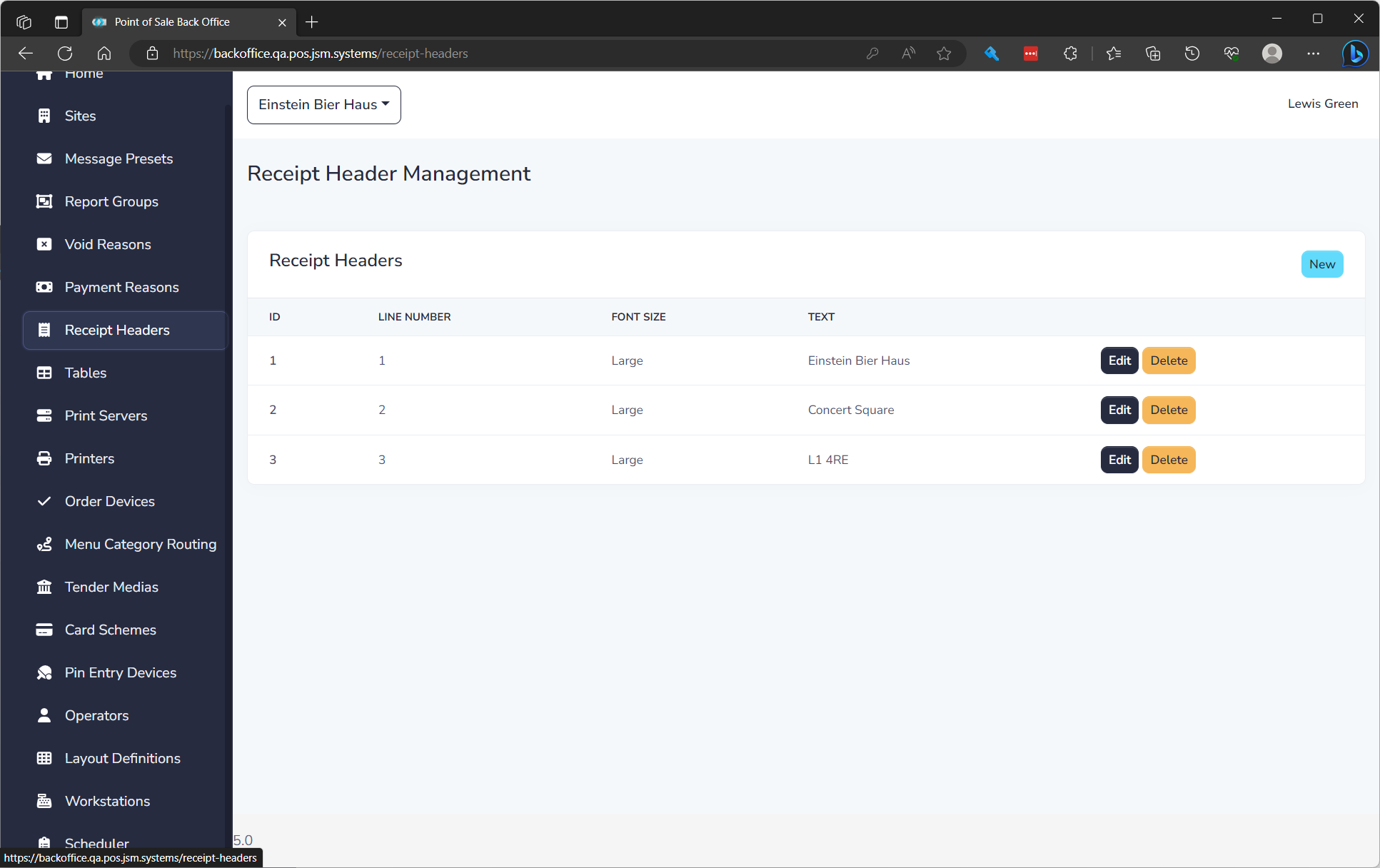
The list displays of all Receipt Headers and the following details:
| Field Name | Description |
|---|---|
| ID | Unique ID for item |
| Line Number | Order of text to show on receipt |
| Font Size | Size of font to print |
| Text | Text to print |
Create a Receipt Header
To create a Receipt Header click New. See editing a Receipt Header below to understand properties.
Edit a Receipt Header
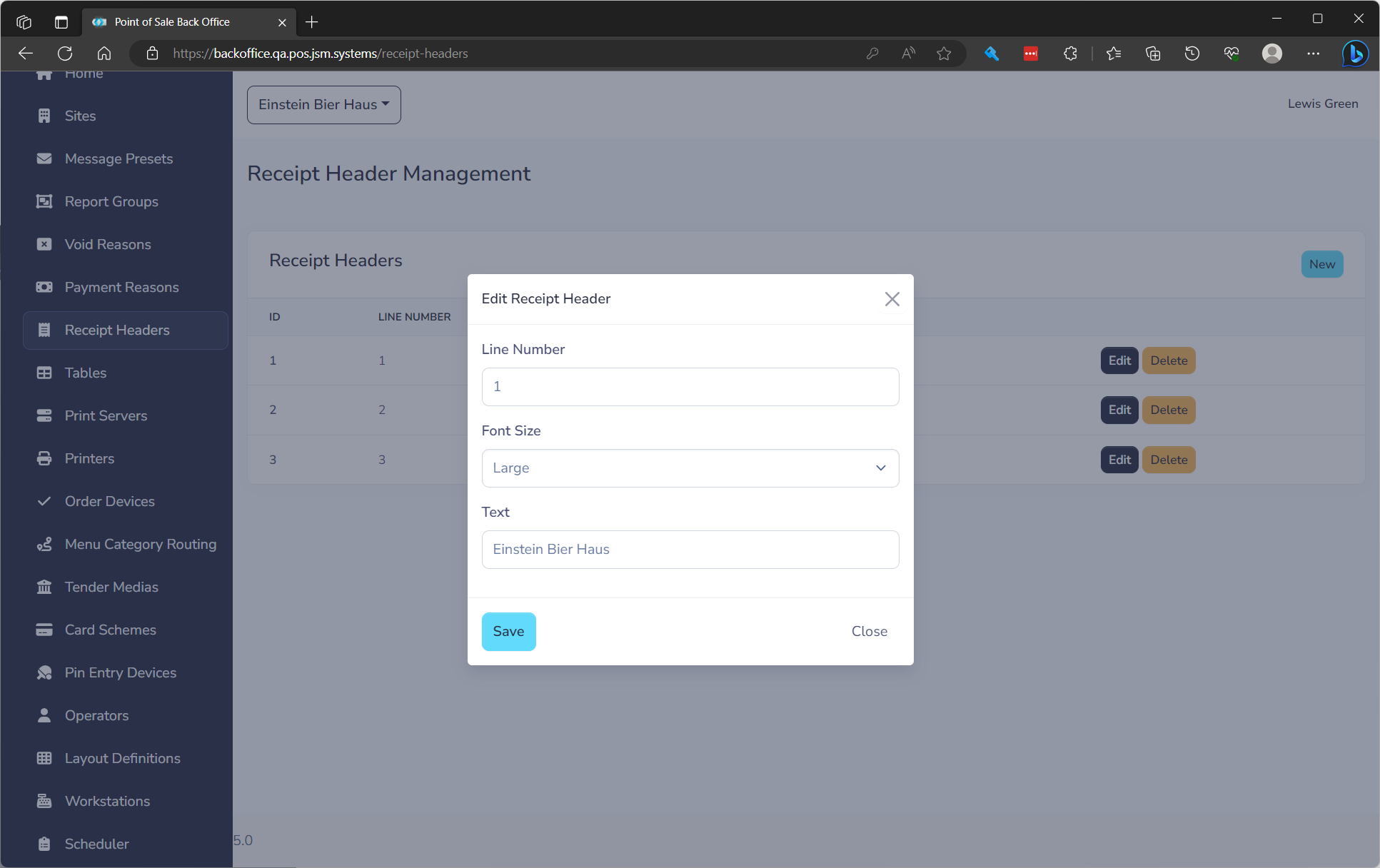
to edit click the Edit button on the row. You will need to fill in the following fields.
| Field Name | **Description ** | Required |
|---|---|---|
| Line Number | Order of text to show on receipt | Yes |
| Font Size | Size of font to print | Yes |
| Text | Text to print | Yes |